OcuScreen↗
Making model output easier to understand.
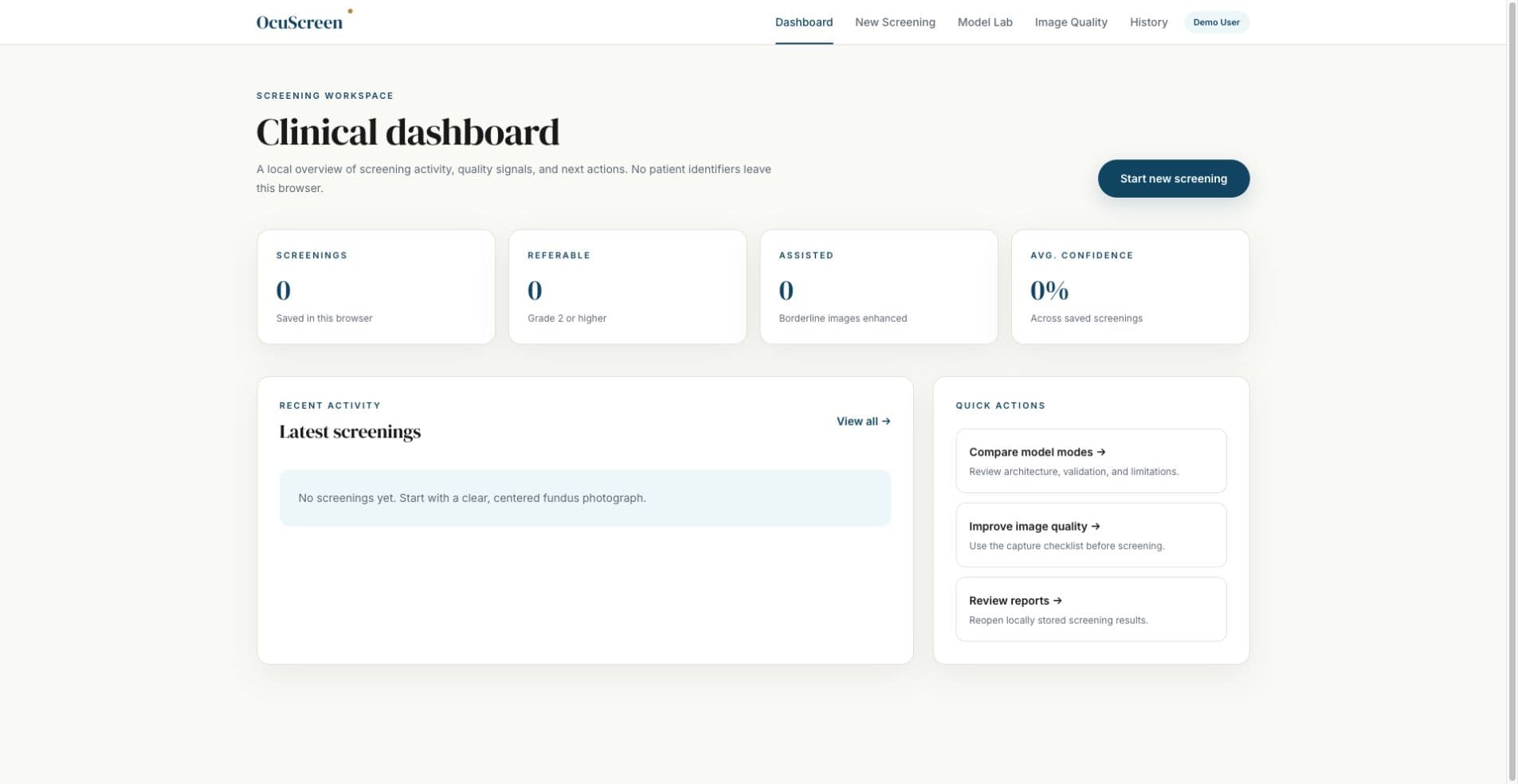 ACTUAL APPLICATION CAPTURE
Open it.
Inspect the work.
Explore the working screening interface, the image-quality checks, and an original sprint-report page documenting my individual work.
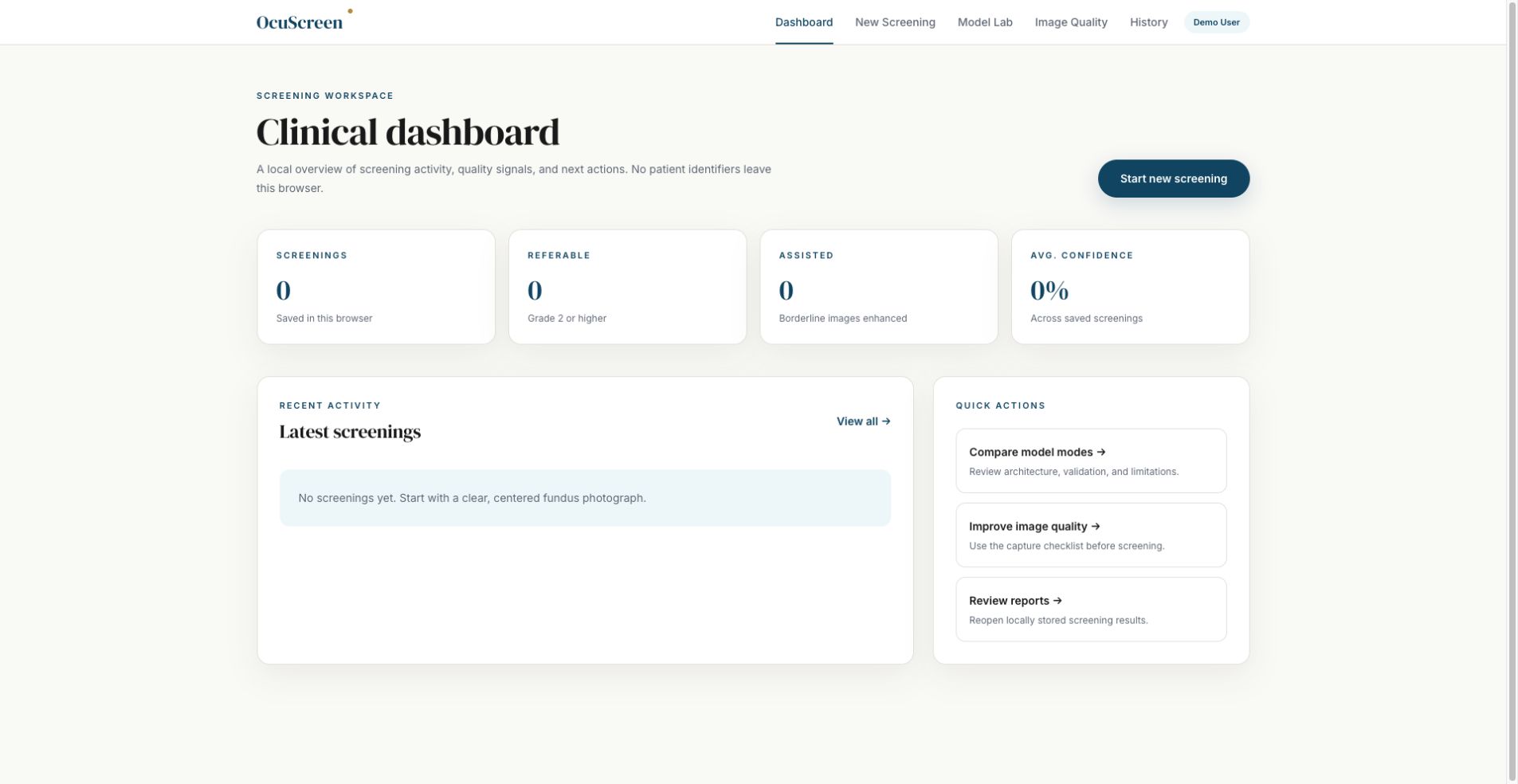 Open full size ↗
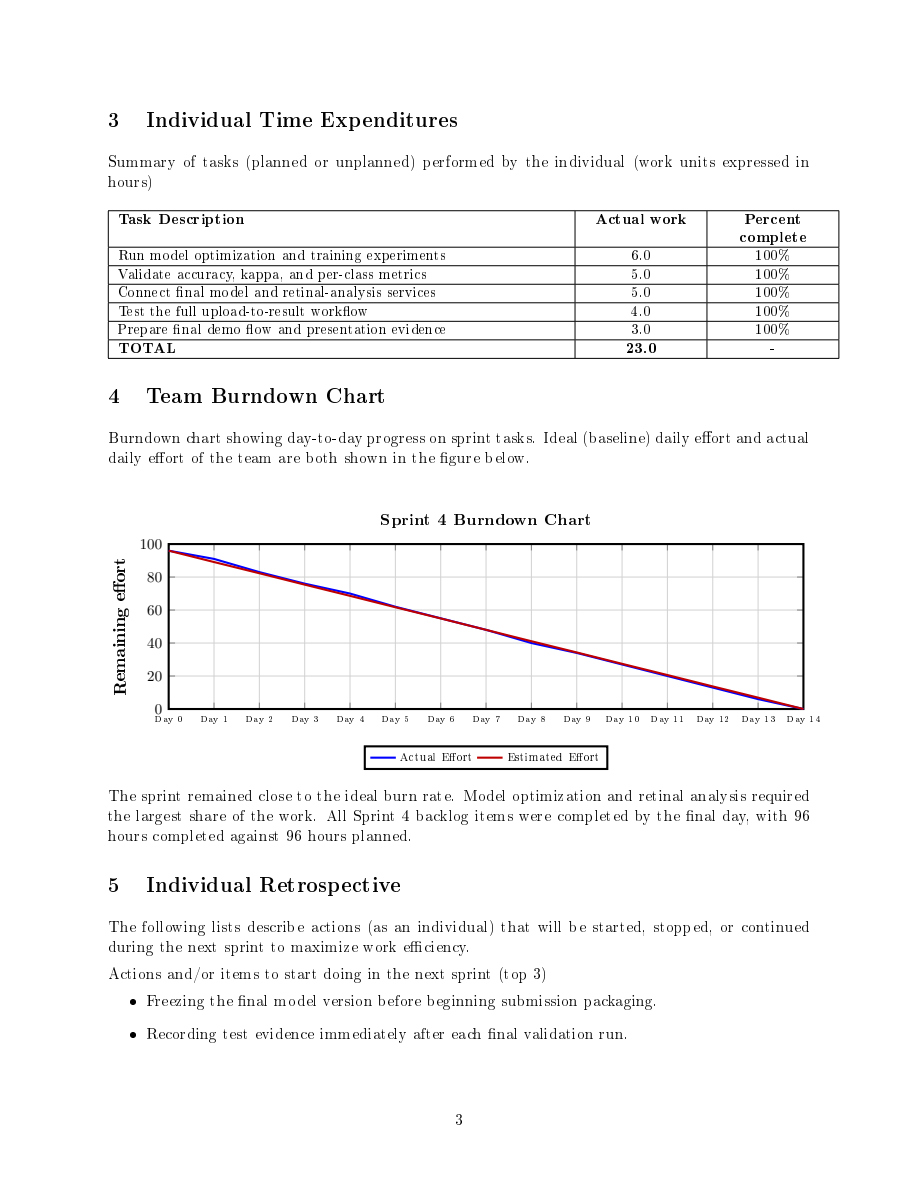 Open full size ↗
def test_rejects_small_image():
result = assess_quality(Image.new("RGB", (100, 100)))
assert not result.accepted
def test_rejects_blurred_image():
result = assess_quality(Image.new("RGB", (512, 512), "gray"))
assert not result.accepted
assert "blurred" in result.reason
def test_accepts_sharp_image():
array = np.indices((512, 512)).sum(axis=0) % 2 * 255
image = Image.fromarray(np.uint8(array)).convert("RGB")
assert assess_quality(image).acceptedActual tests reject small or blurred inputs and accept a synthetic sharp image. These checks verify software behavior, not clinical accuracy.
6 local tests passed on September 14, 2026: quality gate, ensemble probabilities, and Grad-CAM hotspot extraction. Research prototype; no clinical validation claim.
A real problem.
A considered solution.
An image classification output is not enough for a useful screening interface. Users also need quality checks, confidence, and a way to inspect what influenced the model.
What I worked on.
Our senior-design project pairs a retinal-image workflow with a Python inference service. It presents five-level severity output, confidence, Grad-CAM visualization, browser-local history, and PDF export.
Image input
A retinal image enters the research workflow without patient identifiers.
A guided explanation of the project architecture. This explorer does not connect to production systems.
Connect the interface to inference.
A Next.js frontend communicates with a FastAPI service running a PyTorch EfficientNet model.
Show evidence with the prediction.
Quality gates and Grad-CAM attention overlays provide context for the severity output rather than presenting a number alone.
Keep the scope explicit.
The model card records evaluation caveats and intended use. The prototype does not collect patient identifiers.
An end-to-end research prototype with public frontend, inference API, training experiments, tests, and model documentation.
Academic decision-support prototype, not a diagnostic device. The live frontend may require a separately running inference service.
Inbox to action
Arlington, TX · Open to Seattle and US relocation