Invoice OS↗
An entire invoice lifecycle. One clear workflow.
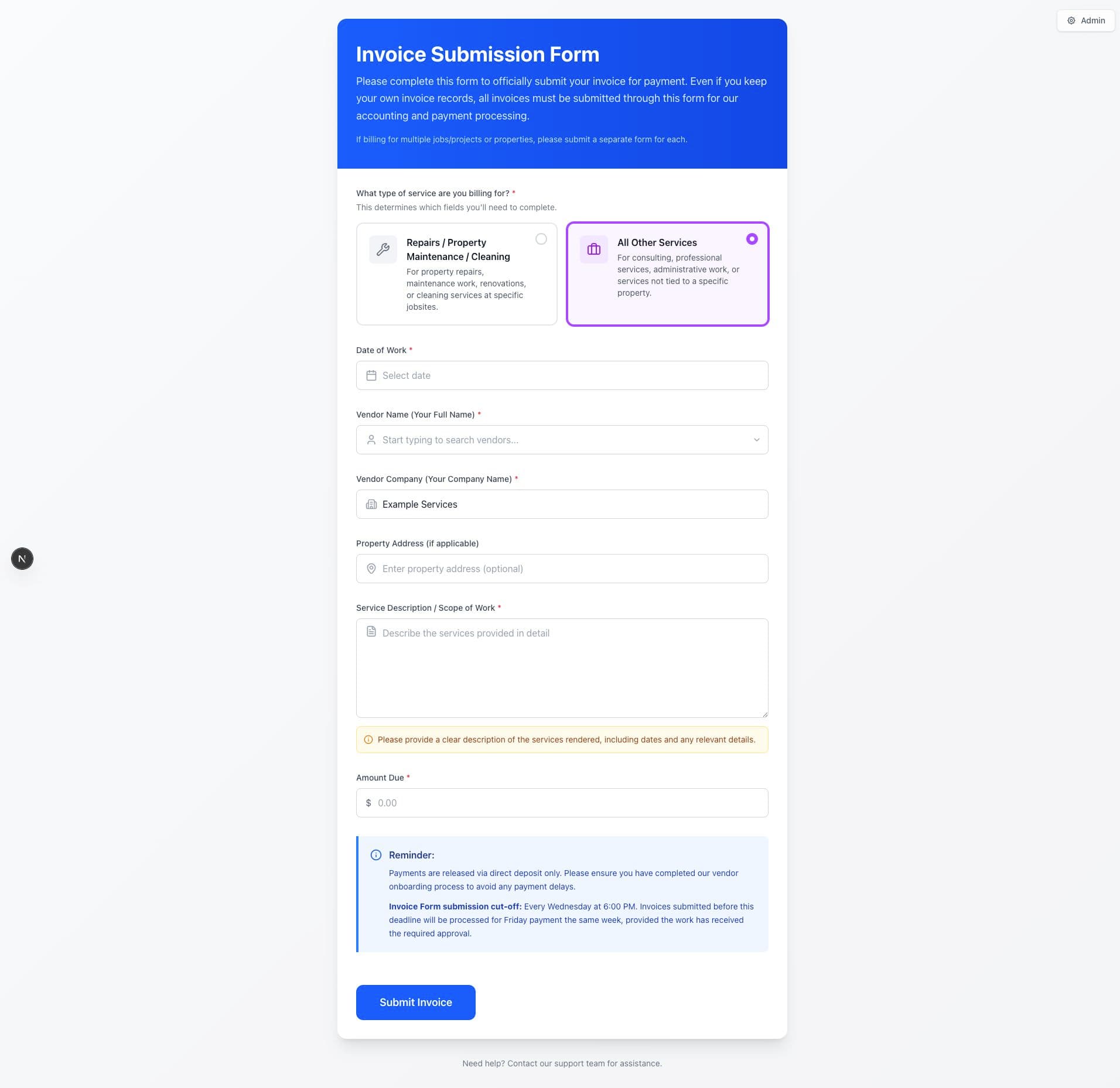 ACTUAL APPLICATION CAPTURE
Open it.
Inspect the work.
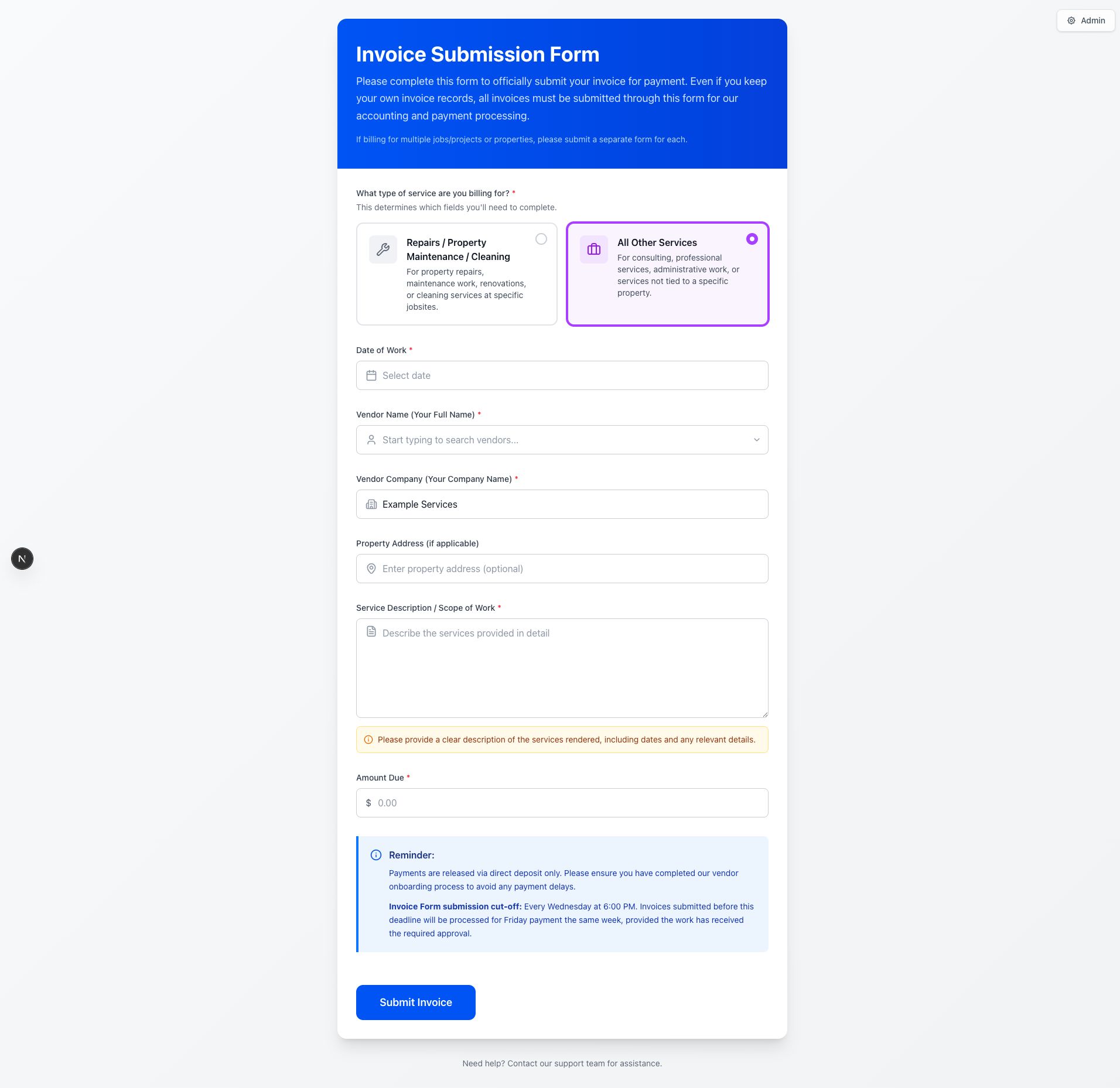
The original invoice application was recovered from my development workspace and run locally. Its intake form and validation code are shown here.
 Open full size ↗
 jobsiteAddress: Yup.string().required("Jobsite address is required"),
totalProjectBid: Yup.number()
.typeError("Please enter a valid amount")
.positive("Amount must be greater than 0")
.required("Total project bid is required"),
drawNumber: Yup.string().required("Draw number is required"),
});
}
// For "other" service type
return Yup.object().shape({
...baseSchema,
propertyAddress: Yup.string(), // Optional for other services
});
};
Exact excerpt from the original form: repair invoices require a jobsite, a positive project bid, and a draw number. Client records and application configuration are excluded.
Interface rendered from the recovered local source. This capture verifies the intake UI; a full submission, email delivery, and production payment workflow were not exercised.
A real problem.
A considered solution.
Property-management teams work across email, spreadsheets, attachments, and payment records. Invoices become difficult to find, validate, and track through review.
What I worked on.
I designed and implemented the vendor intake, authenticated dashboard, server APIs, PDF pipeline, reporting tools, and deployment configuration. Vendor submission and operational review live in one structured system.
Vendor intake
The vendor enters invoice details and selects the relevant property.
A guided explanation of the project architecture. This explorer does not connect to production systems.
Generate documents on the server.
PDFKit and pdf-lib produce consistent invoice packages and merge supporting images and PDFs for review.
Make operational data usable.
Search, filters, saved views, configurable tables, bulk actions, and exports support the work after an invoice is submitted.
Separate roles and trace changes.
Administrators and read-only users have different capabilities. Activity records preserve the context behind operational changes.
A complete path from vendor submission to generated documents, payment tracking, and reporting, replacing a fragmented set of operational tasks.
Public repository is a sanitized case study. The workflow below uses illustrative records, never client data.
OcuScreen
Arlington, TX · Open to Seattle and US relocation